Online OCR for Images, PDFs, Tables, and Handwriting
Choose the right OCR workflow for a screenshot, scanned PDF, document photo, table, or handwritten page. Review the result, copy the text, or download a supported export.
For the best result, start with the tool designed for your file and output.
Start with the right OCR tool
Choose the OCR tool that matches your file type and the result you need.
Image to Text
Extract text from screenshots, photos, scanned pages, labels, menus, and uploaded images.
PDF to Text
Turn scanned PDFs and image-based PDF pages into editable text you can copy or export.
Screenshot to Text
Copy text from app screenshots, website captures, phone screens, and image-based content.
Image to Table
Extract table data from photos, scans, and screenshots while keeping rows and columns easier to review.
PDF to Excel
Convert tables in PDF files into XLSX or CSV output, with separate worksheets when multiple tables are detected.
Handwriting to Text
Convert handwritten notes, cursive writing, and handwritten pages into clean digital text.
See each OCR workflow in action
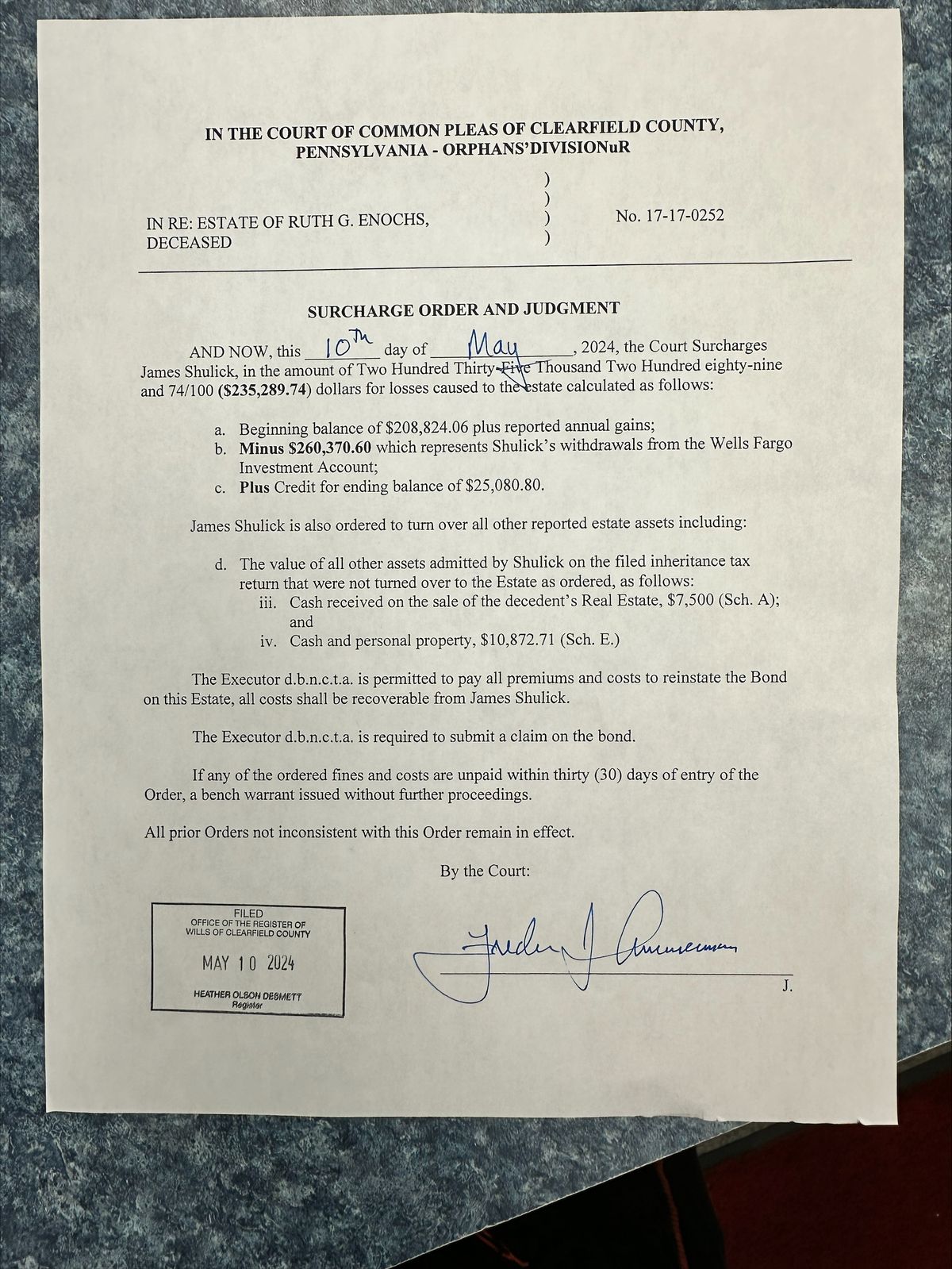
How it works
Upload a file, extract text, and export the result.
Upload your file
Add an image, PDF, screenshot, scanned page, table, or handwritten document. Scan Reader supports common file formats used for OCR.
Extract text or tables
Scan Reader reads the file, detects visible text, and prepares the result for review. For tables, it helps convert rows and columns into spreadsheet-friendly output.
Copy or export
Review the OCR result and make corrections if needed. Download text as TXT, DOCX, or Markdown, or export detected tables as XLSX or CSV.
Flexible output
Choose the format for your next step
Copy the result immediately or download it in a format that fits your workflow.
TXT
Plain text for notes, search, archives, and quick reuse.
DOCX or Markdown
Editable output for documents, publishing, and knowledge bases.
XLSX or CSV
Structured rows and columns ready for spreadsheet workflows.
Review before export
Compare names, dates, totals, and codes with the source file.
Built for real-world OCR tasks
Scan Reader helps with the kinds of files people actually need to read, copy, search, archive, or reuse.

Digitizing paper documents
Turn scanned reports, letters, contracts, forms, and paper records into text that is easier to search, copy, and reuse.

Processing forms and records
Read application forms, intake sheets, checklists, field reports, labels, and other semi-structured documents.

Archiving older files
Make old scans, archive pages, family records, historical documents, and hard-to-search files easier to store and review.
Frequently asked questions
Common questions about using Scan Reader.
What is Scan Reader?
What files can I upload?
Can Scan Reader extract text from scanned PDFs?
Can Scan Reader extract tables?
Can Scan Reader read handwriting?
What can I export?
How is my data handled?
Turn scans into editable text
Extract text from images, PDFs, tables, and handwriting without retyping everything by hand.