Handwritten PDF to Text Converter
Upload a scanned notebook, form packet, archive document, or other handwritten PDF. Extract each page in order and export the combined editable text.
Page limits depend on your plan. For one photo or scan, use Handwritten Image to Text.
Keep multi-page handwriting together
Process handwritten PDF pages in order, review each result, and download the document as one combined transcription.
Handwritten PDF OCR
Extract text from scanned PDF pages that contain handwritten notes, forms, or written records.
Multi-page Handwriting OCR
Process handwritten PDFs page by page when working with notebooks, packets, or scanned documents.
Handwriting to Text
Use the broader handwriting workflow for notes, images, PDFs, and scanned pages.
Handwritten Image to Text
Working with a photo instead of a PDF? Extract text from handwritten image files.
Cursive Handwriting to Text
Convert cursive and connected handwriting from clear scans or handwritten files.
PDF to Text
Extract printed or scanned text from PDF files when the content is not mainly handwriting.
Handwritten PDF OCR examples
How it works
Upload a handwritten PDF, extract text page by page, and review the result.
Upload your PDF
Add a scanned notebook, handwritten form, archive PDF, or multi-page document that contains handwriting.
Extract handwriting from pages
The OCR engine reads each page and prepares recognized text for review, copying, or export.
Copy or export
Review the extracted text, correct unclear words, then copy the result or export it for later use.
When to use handwritten PDF OCR
This workflow is designed for ordered document sets rather than a single photographed page.
| Use another workflow | Best fit for this tool |
|---|---|
| One JPG, PNG, WEBP, or HEIC image | Multi-page handwritten PDF files |
| A PDF containing only printed text | Scanned notebooks and document packets |
| A table that needs spreadsheet structure | Forms that must stay in page order |
| One strongly cursive image or letter | Archive collections requiring one export |
Built for real-world handwritten PDF tasks
Use handwritten PDF OCR when notes, forms, and scanned writing are stored as multi-page PDF documents.

Digitizing scanned notebooks
Extract text from scanned notebooks, class notes, meeting packets, study pages, and handwritten PDFs.

Processing handwritten forms
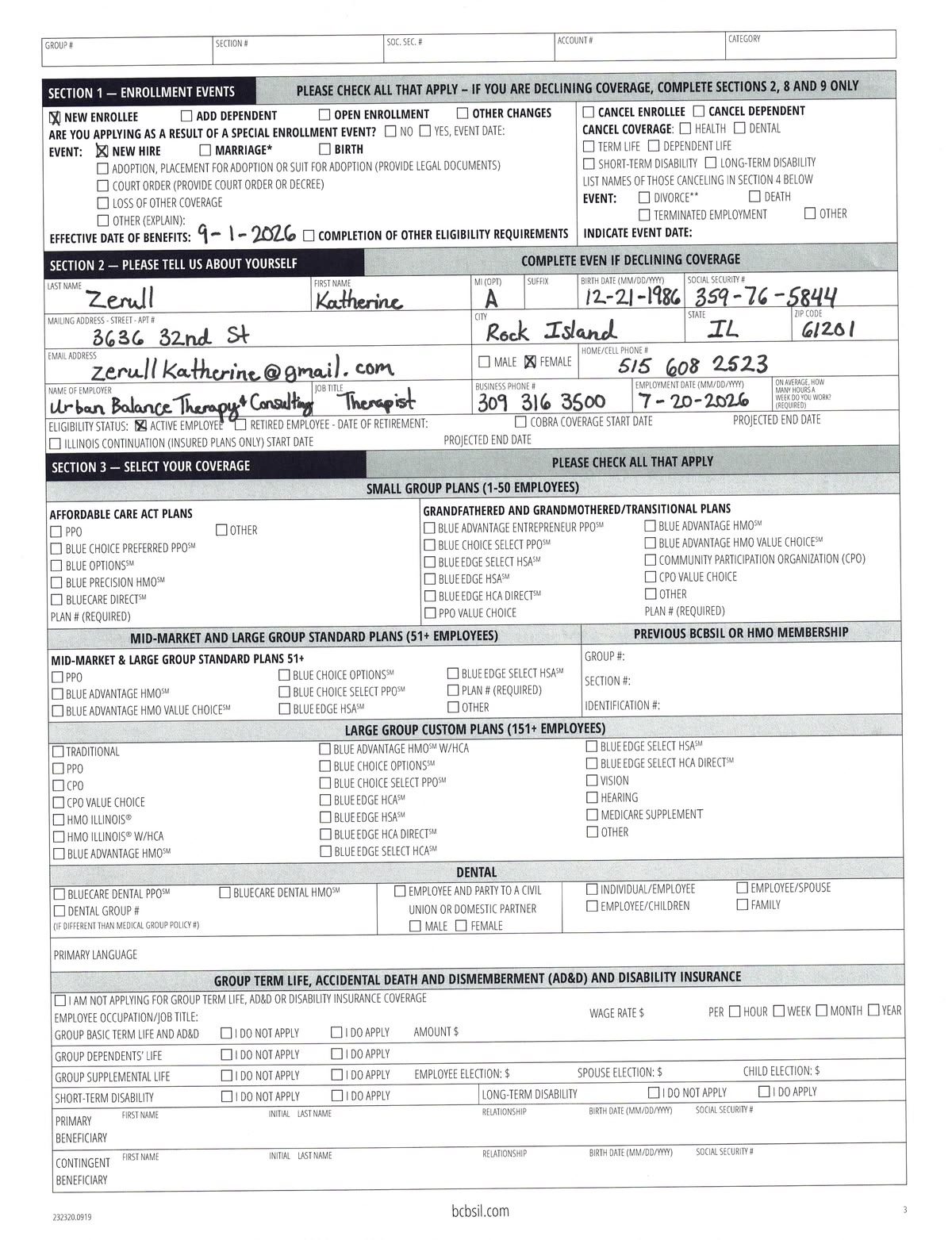
Read written fields from scanned applications, intake sheets, checklists, field reports, and PDF records.

Reviewing archive documents
Turn old handwritten PDFs, scanned letters, records, and document collections into searchable text.
FAQ
Common questions about extracting text from handwritten PDFs.
What is handwritten PDF to text?
Can it process multi-page handwritten PDFs?
Can I export all handwritten PDF pages together?
How is this different from handwritten image to text?
Can it read scanned notebook pages?
Can it read cursive handwriting in PDFs?
Can printed text and handwriting be processed together?
How can I improve results?
Are uploaded PDFs stored?
Extract text from handwritten PDFs
Upload a handwritten PDF, scanned notebook, form packet, or archive file and turn written pages into editable text.